Applications
Used to split data received from systems into multiple logical applications. Normal procedure is to define application for system environments.
For example:
- CRM - Production
- CRM - Test
- CRM - Hotfix
- Navision - Production
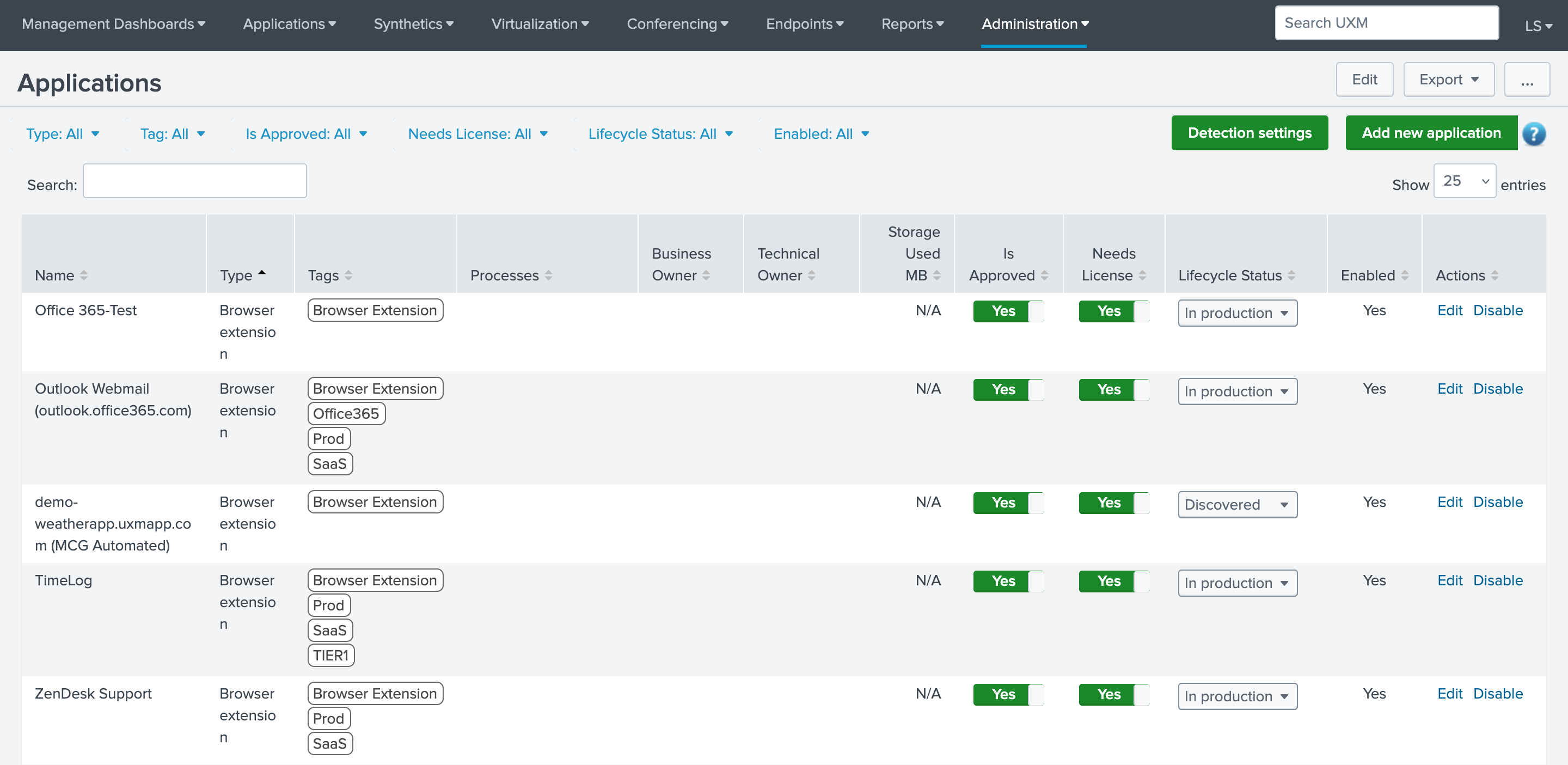
Add/Edit Application
When modifying an application, use the different tabs and fields to specify additional configurations.
- Name: Name of the application.
- Type: Defines what data there is saved in the Application, can be Web/Desktop/Robot or Mixed, is mainly used to quickly identify what technology application uses.
- Storage Quote Limit MB: Defines how many MB there can be stored of video/log files on the hard-drive, the hard-drive is used to avoid exceeding the daily Splunk license limit.
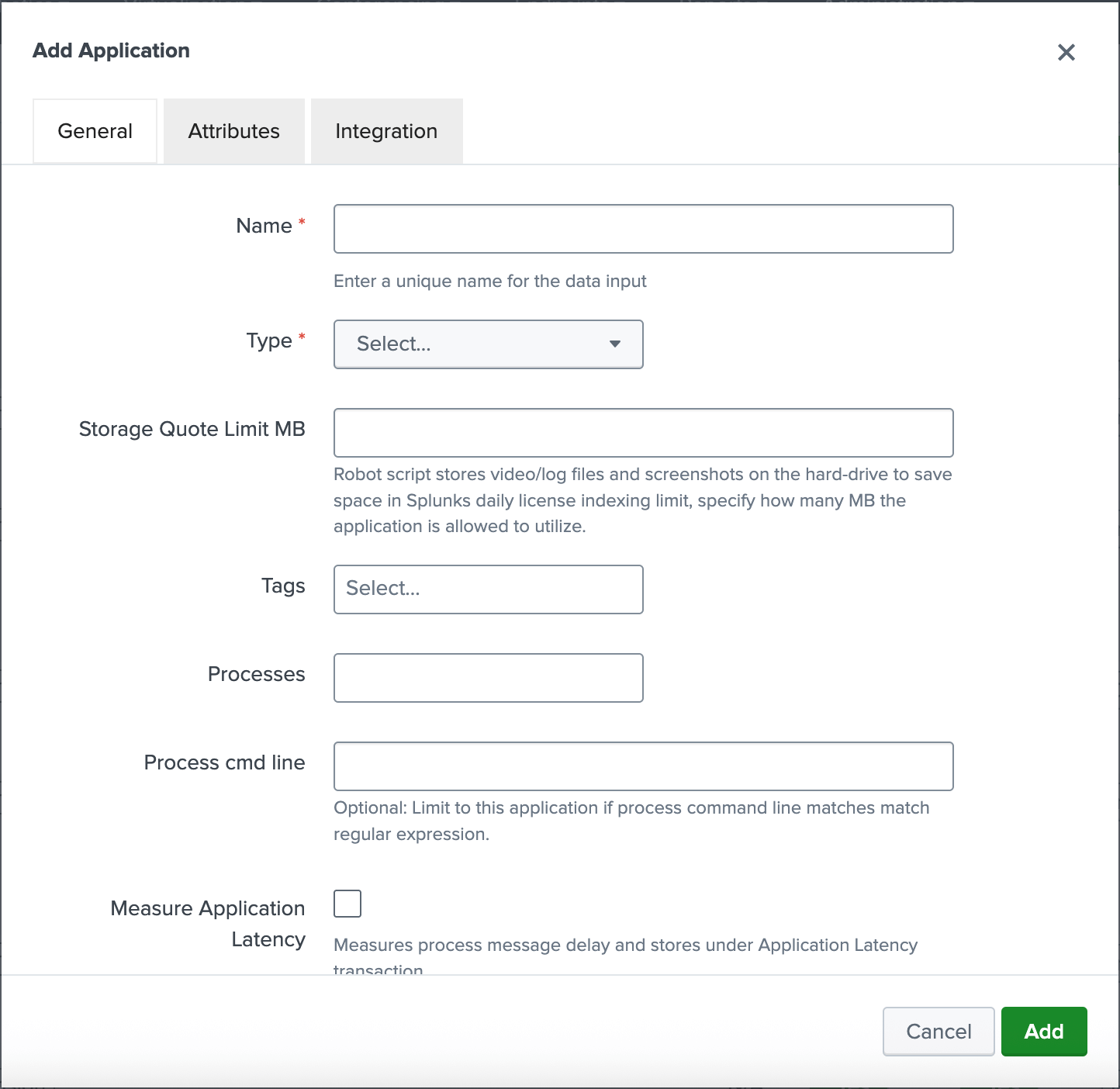
Relationship between Administration Components and Application Types
| Administration Component | Desktop | Robot | Web | Mixed | Browser Extension |
|---|---|---|---|---|---|
| Release Dates | X | X | X | X | |
| Web Agents | X | X | |||
| Web Transactions | X | X | |||
| Desktop App Monitoring Profiles | X | X | |||
| Desktop Browser Extensions | X | X | X | ||
| Desktop Monitors | X | X | X | X | |
| Robot Scripts | X | X |