Session Details
Requirements
- UXM Desktop monitors (under Administration -> UXM Desktop Agent -> Desktop monitors)
- A Logon Monitor need to be configured to monitor logon/logoff sessions for Virtualization -> Logon Sessions dashboard.
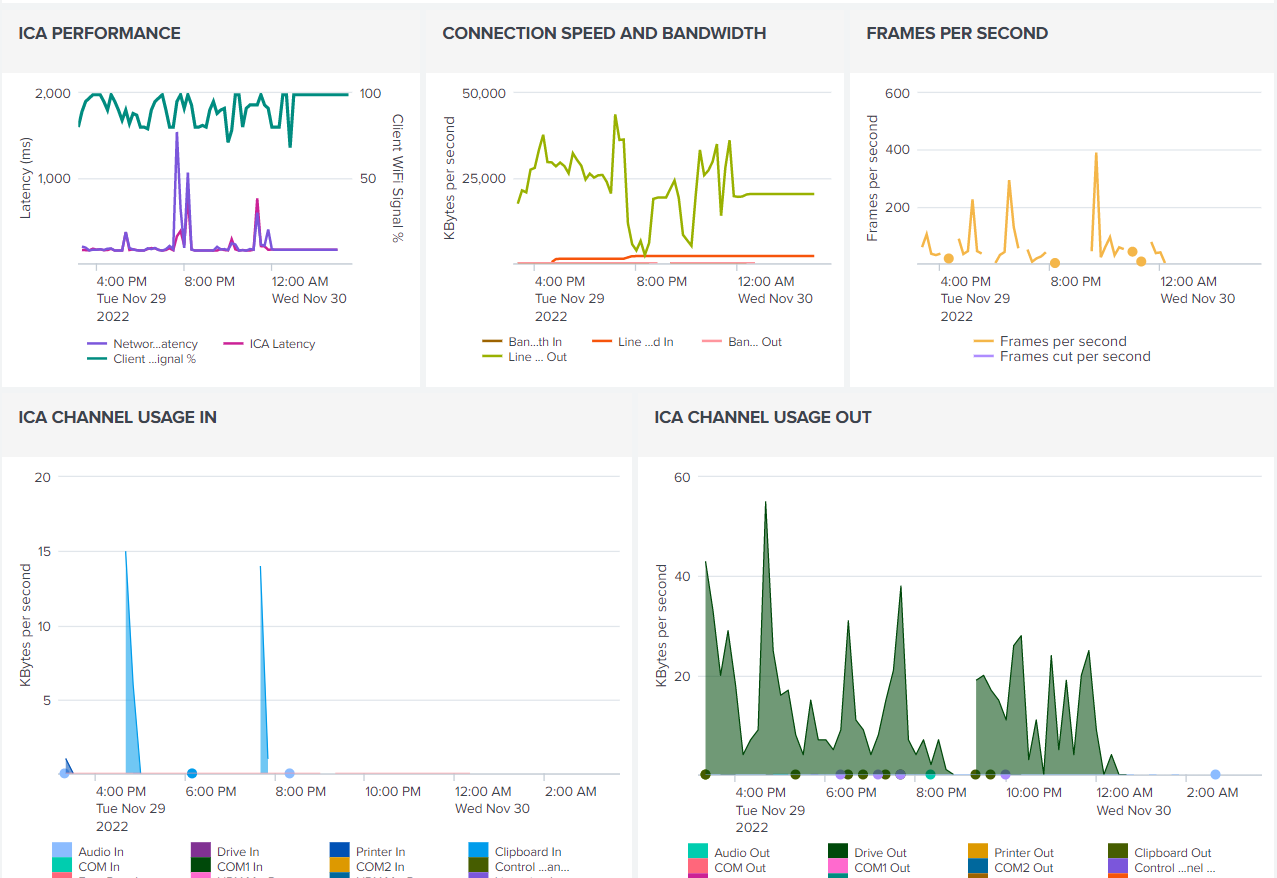
- A Virtualization Monitor need to be configured to collect network latency and connection bandwidth per user for Citrix/Azure Virtual Desktop/RDP.
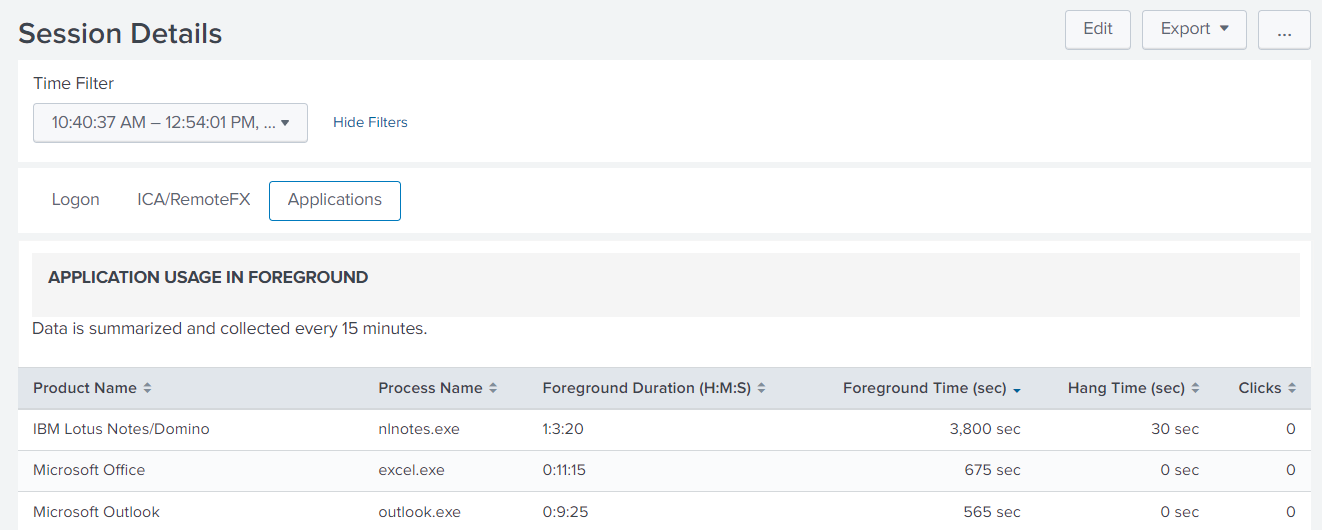
- A Process Monitor needs to be configured if Application Usage should be captured, it requires that the Process monitor is enabled and monitors "Foreground app usage".
Logon
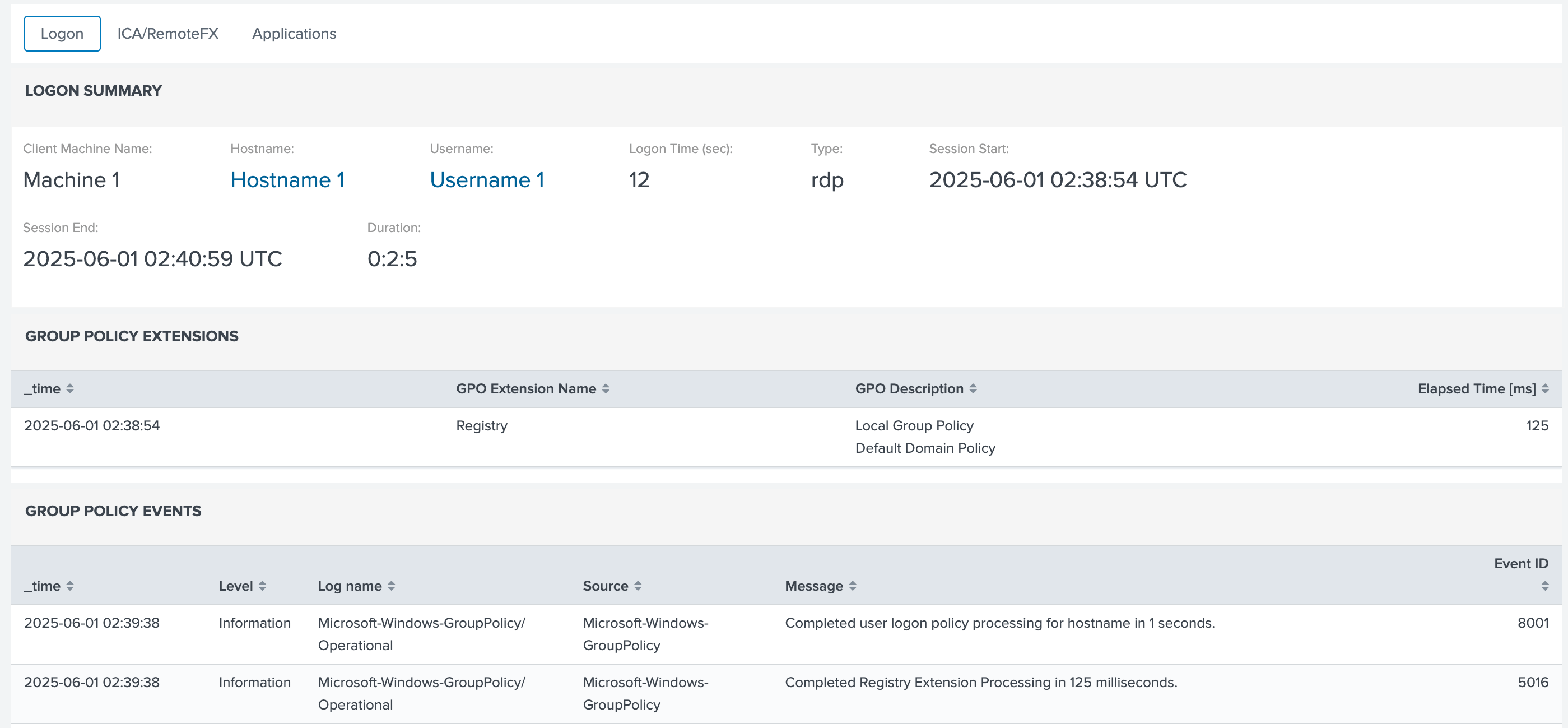
- Client Machine Name: Machine name that client connected from if Citrix or Remote Desktop was used, the name can be clicked on if a UXM Endpoint agent is installed on the client endpoint device.
- Hostname: Hostname of the local endpoint device or Citrix / RDP server that user connected to, the hostname can be clicked on if a UXM Endpoint agent is installed on the device.
- Username: User that logged on to the device, the username can be clicked on to view information about the user and performance for the user over time.
- Logon Time (secs): Logon time in seconds that it to to connect to the machine.
- Type: Local for logon to Laptops and Desktop devices, Citrix for remote logons to Citrix Machines, and RDP for remote logons to Azure Virtual Desktops or RDP to servers.
- Session Start: Time the sessions was started and logon performed.
- Session End: Time the session was ended by a logout or disconnect.
- Duration: Duration it took to login
ICA/RemoteFX
Shows performance and WMI counters for the session, requires that the Virtualization monitor is configured.
Applications
Shows application being used during the logon session, requires that the Process Monitor is enabled.